FOLIO.
Issue no. 2610 · First edition

A game store laid out like a catalogue, not a feed.

FOLIO is a storefront for buying and selling PC games. Browse a catalogue you can actually read, keep a library, write reviews, and publish your own games with a price you set. No account with anyone else, no launcher on top of a launcher.

Unsigned release: Windows SmartScreen may ask once. Choose “More info”, then “Run anyway”.
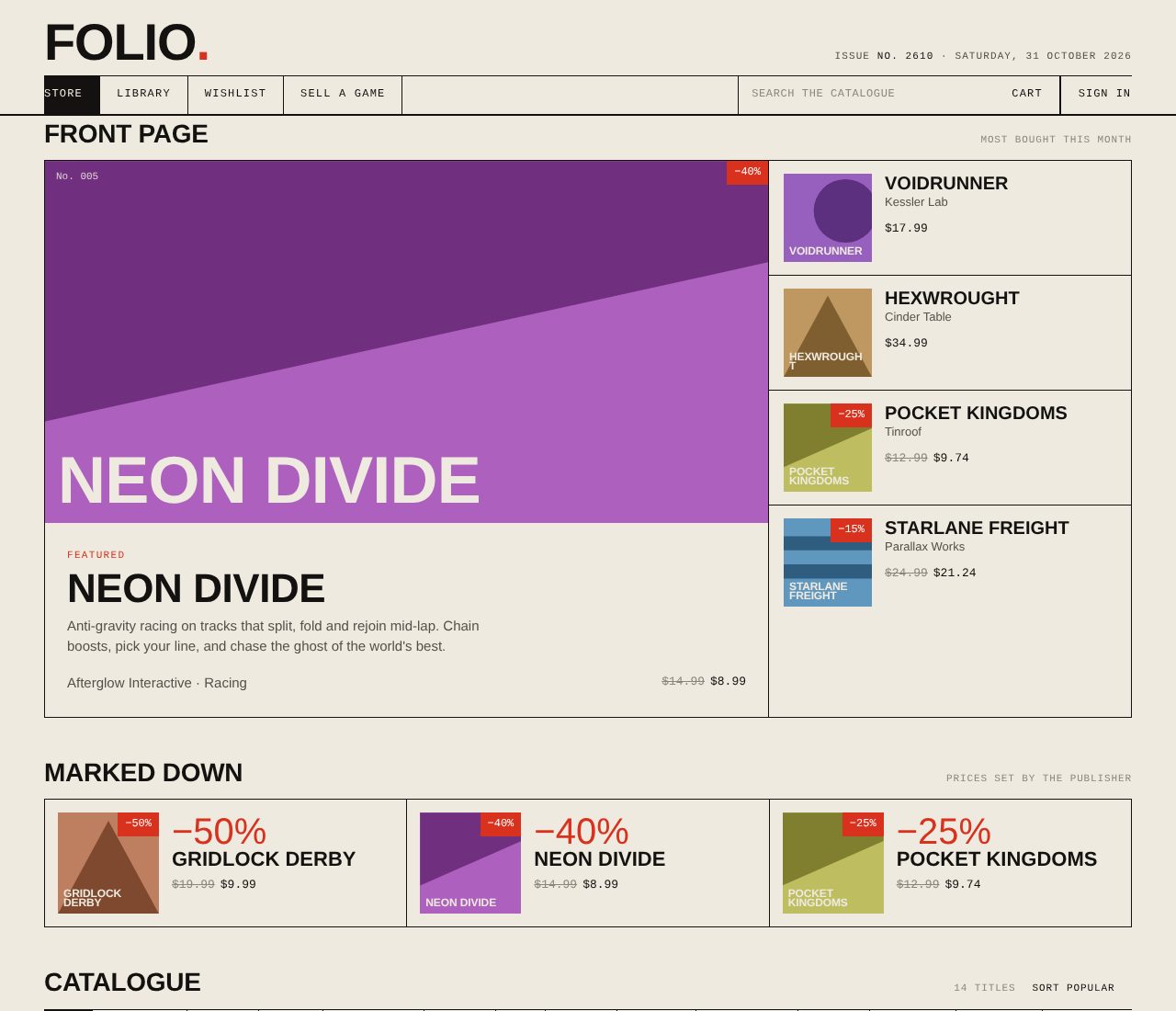
The FOLIO front page: featured game, marked-down strip and the catalogue grid

What's inside

Everything ships in one 3 MB program

The catalogue

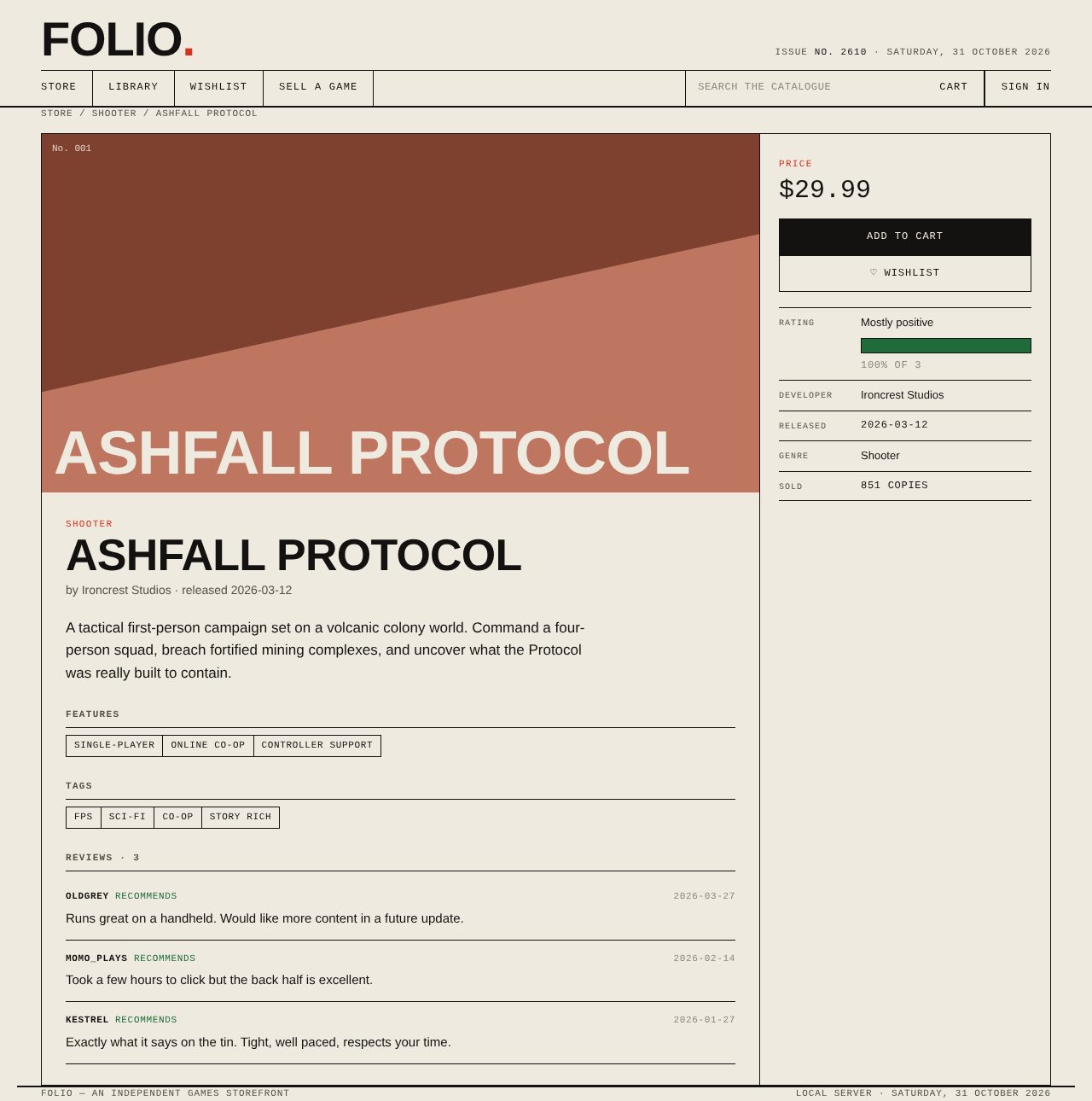
A front page, a marked-down strip and a filterable grid. Search by title, studio, genre or tag. Sort by price, release or popularity.

Buying

Add to cart, pay from your wallet, and the game lands in your library. Free games skip the cart. Every purchase is a line in your receipt.

Your library

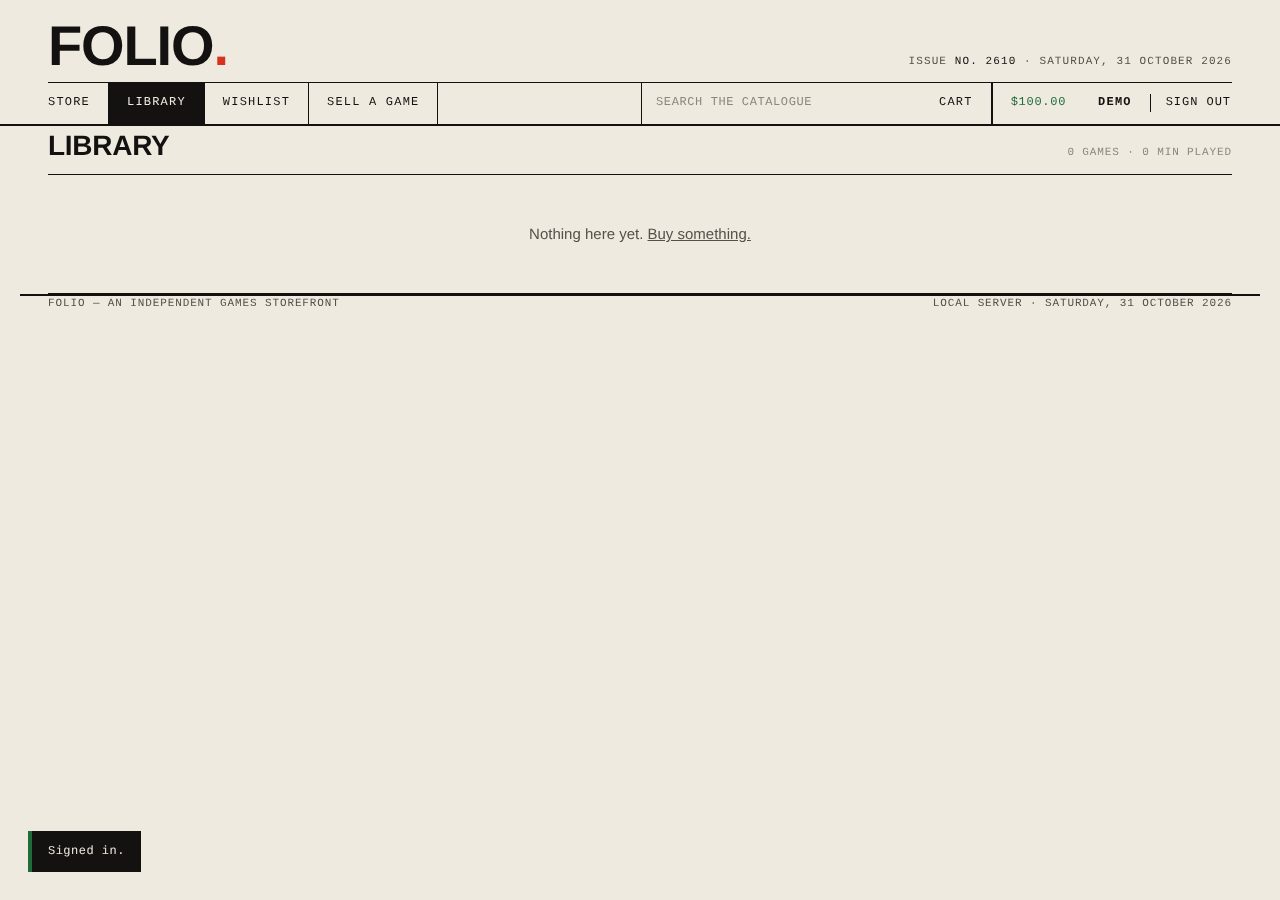
Download the game file the publisher uploaded, track playtime, and leave a review. Only people who own a game can review it.

Wishlist

Press ♡ on any game page. Marked-down wishlist games show their discount right in the grid.

Reviews

Recommend or don't. A game's rating is the plain percentage of owners who recommend it, with the count beside it.

Cover art without uploads

Every game gets a flat two-tone cover generated from its title. Publishers pick a colour and one of four patterns.

Sell a game

Publisher desk · built in
1

List it

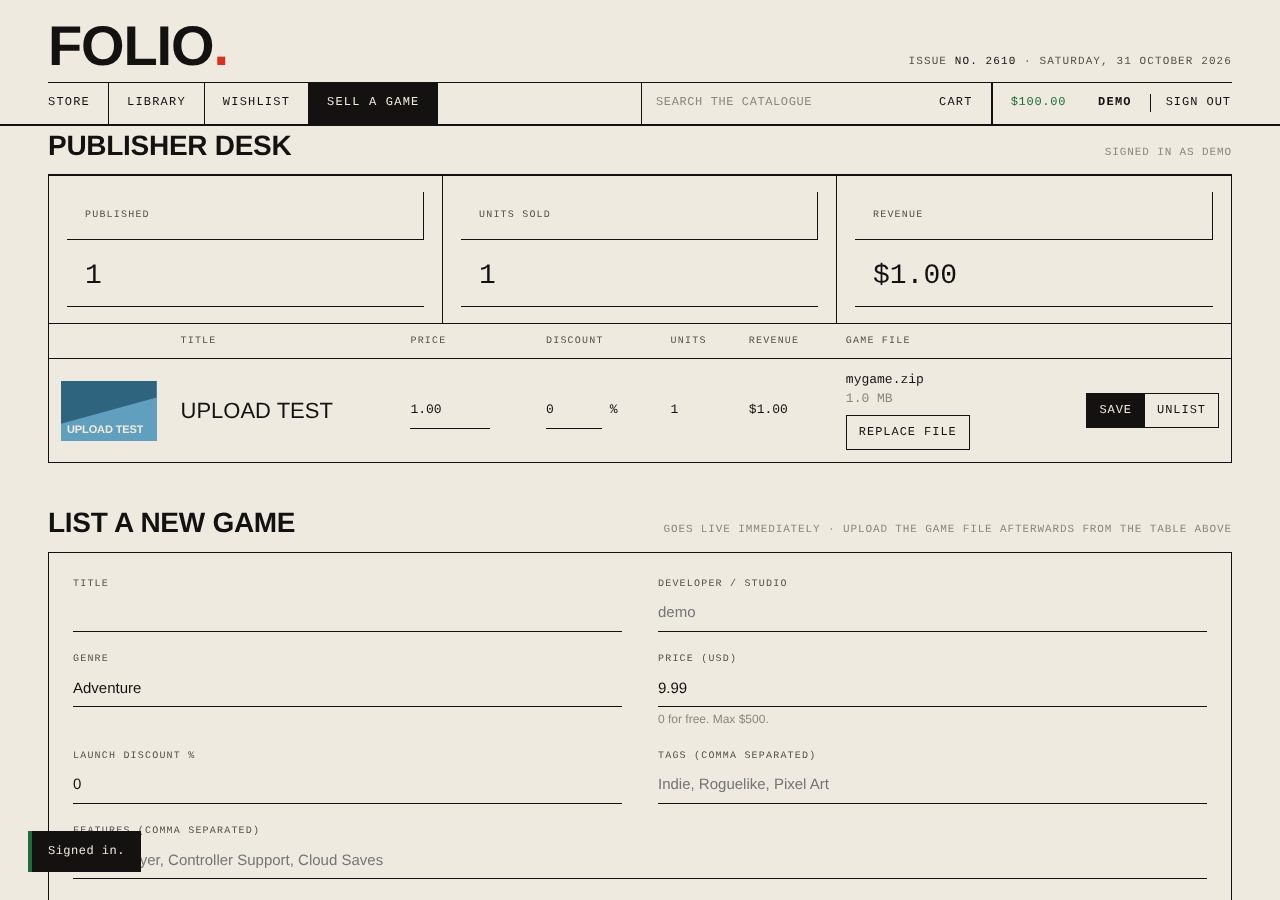
Title, studio, genre, description, tags, price (or free) and an optional launch discount. It's in the catalogue the moment you press Publish.

2

Upload the game file

From the publisher desk, attach a zip of up to 512 MB. Buyers get a Download button in their library; nobody else can fetch the file.

3

Watch it sell

Units sold and revenue per game, live. Change the price or discount any time, or unlist the game. Owners keep their copies.

Details

Requirements
Windows 10 or 11, 64-bit, and any web browser. The store runs as a small local program and opens in your browser. Nothing else to install.
Install
Run FOLIO-Setup.exe. It goes into Program Files, adds Start Menu and Desktop shortcuts, and can be removed from Add/Remove Programs. Your data lives in %APPDATA%\FOLIO and survives uninstalling.
Portable
Unzip FOLIO-portable.zip anywhere and double-click folio.exe. Same program, no installer.
Accounts
Create an account in the app. A demo account (demo / demo) comes with $100 of play money so you can try buying.
Running a shared store
The same program can serve one shared catalogue to everyone from a server, so all users see the same games and purchases. On a Linux server or any Docker host:
docker build -t folio . && docker run -d -p 8080:8080 -v folio-data:/data folio
Source
Plain C++17, no libraries: its own HTTP server, JSON, accounts, cart, library and publishing. Builds with g++, MSVC or CMake. The storefront itself is one HTML file you can restyle.